Qualys pricing in 2026: Is it worth the investment?

Qualys has long been recognized as a leader in cybersecurity, providing organizations with solutions that span vulnerability management, web application scanning, cloud posture monitoring, and patch orchestration.
While it offers a broad platform, many companies in 2026 are beginning to question whether the costs match the value. So the important question is: How does Qualys’s pricing model work, and is it still the right choice in today’s market?
This blog reviews Qualys’s pricing structure, provides a breakdown of its core offerings, and compares them to leading alternatives so you can determine whether Qualys is the right fit for your organization.
A look at Qualys pricing model
Qualys follows a modular pricing approach based on the number of assets, applications, or devices under management. While this allows organizations to scale, the costs add up quickly as usage grows, often putting it in the premium tier of security platforms.
Key Qualys products and starting prices
VMDR (vulnerability management): $199 per asset per year ($19,900 annually for 100 assets)
WAS (web application scanning): $1,995 per year for 25 applications ($7,980 for 100 apps)
CSPM (cloud security posture management): custom pricing on request
Patch management: custom pricing, with estimates of $19,900 annually for 100 devices
TL;DR - Qualys pricing and key features
| Product | Starting price | Example annual cost | Key features |
|---|---|---|---|
| VMDR | $199 per asset per year | $19,900 (100 assets) | Continuous vulnerability assessment, risk-based prioritization, automated patch workflows |
| WAS | $1,995 per year for 25 applications | $7,980 (100 apps) | OWASP Top 10 detection, API security, DevSecOps integration, compliance reporting |
| CSPM | Custom pricing (quote required) | Quote required | Multi-cloud visibility, misconfiguration detection, compliance monitoring |
| Patch management | Custom pricing (quote required) | $19,900 (100 devices) | Automated patching, third-party updates, reporting |
Qualys VMDR (vulnerability management) pricing
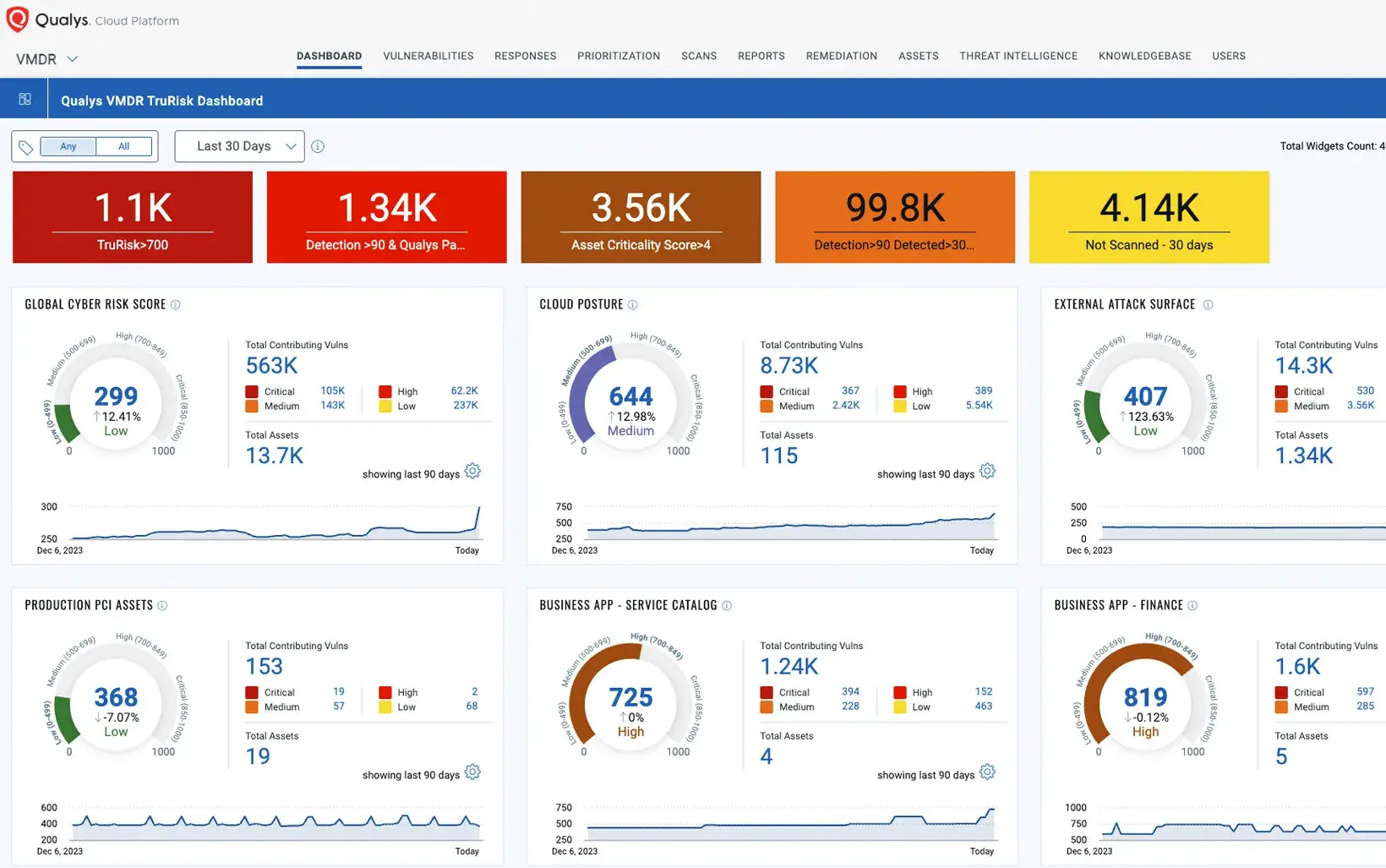
Qualys VMDR is the company’s flagship vulnerability management solution, offering continuous scanning and patching capabilities across hybrid environments. While powerful, its pricing begins at $199 per asset per year, which can quickly add up for even mid-sized deployments.
Main features of VMDR
Continuous vulnerability scans across on-premises, cloud, and virtual assets
Risk-based prioritization backed by threat intelligence feeds
Automated patching and remediation workflows
Integrations with SIEM and ITSM systems
Unlimited users and scan engines included
Real-time vulnerability detection with business context risk scoring
Automated remediation workflows with ticketing systems
24/7 support available at all tiers
Best alternative: Rapid7 InsightVM
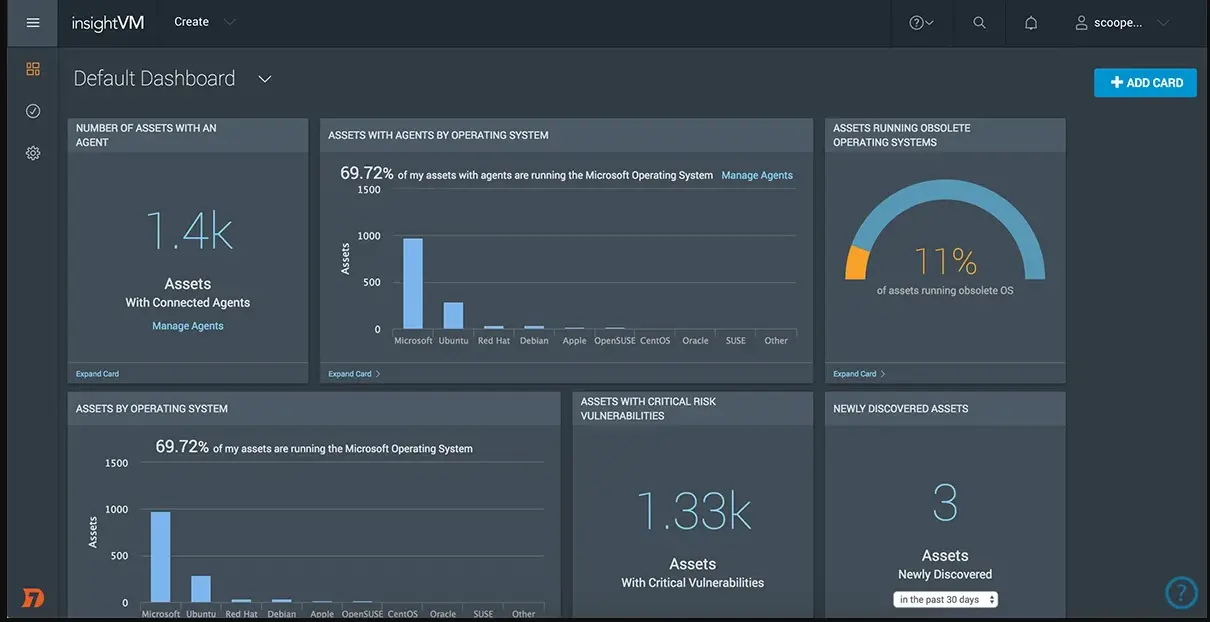
Rapid7 InsightVM provides similar vulnerability management capabilities at a significantly lower cost. Its modern architecture supports real-time risk scoring and remediation without the steep per-asset costs associated with Qualys.
G2 rating: 4.4/5 from 80 reviews
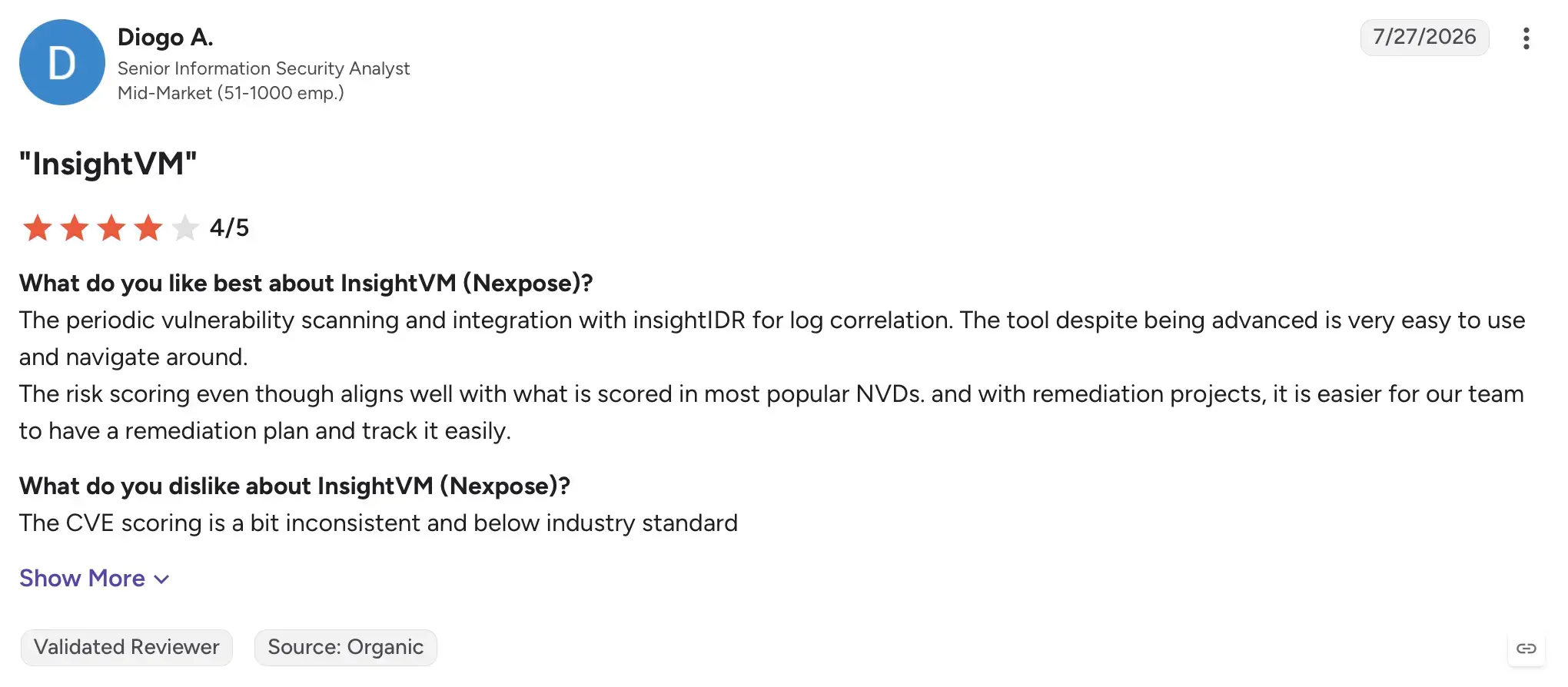
Pricing: $1.62 to $1.93 per asset/month for 500+ assets, or roughly $20 to $25 per asset annually Main features of Rapid7 InsightVM
Main features of Rapid7 InsightVM
Unlimited users and scan engines included
Real-time vulnerability detection with business context risk scoring
Automated remediation workflows with ticketing systems
24/7 support available at all tiers
Qualys WAS (web application scanning) pricing
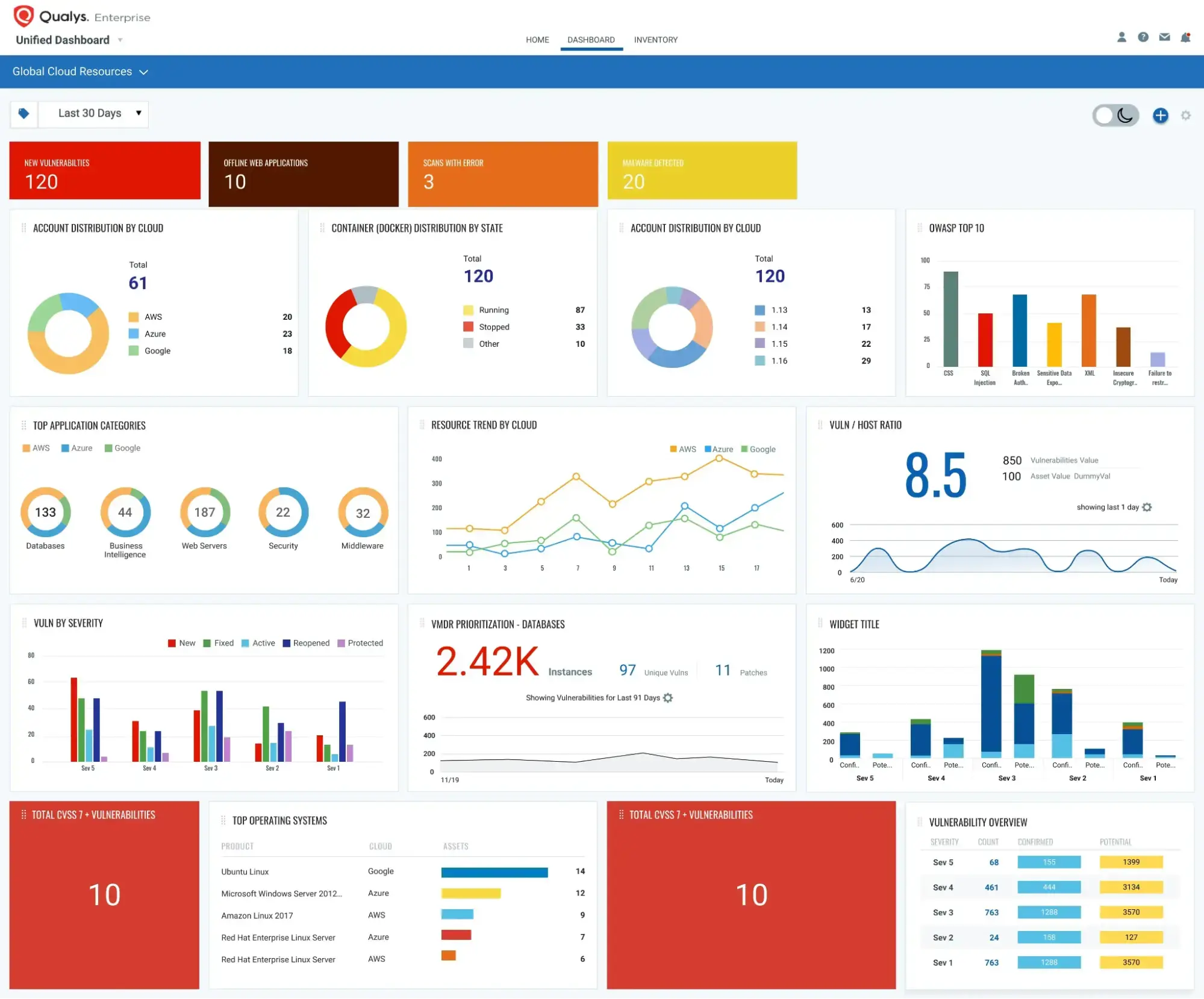
Qualys WAS focuses on dynamic scanning of web applications, APIs, and common vulnerabilities like those outlined in the OWASP Top 10. Starting at $1,995 for 25 apps, it becomes increasingly expensive for organizations with multiple applications.
Main features of WAS
OWASP Top 10 vulnerability coverage
Application and API security testing
Integration with CI/CD pipelines for DevSecOps workflows
Compliance-driven reporting
Best alternative: Beagle Security
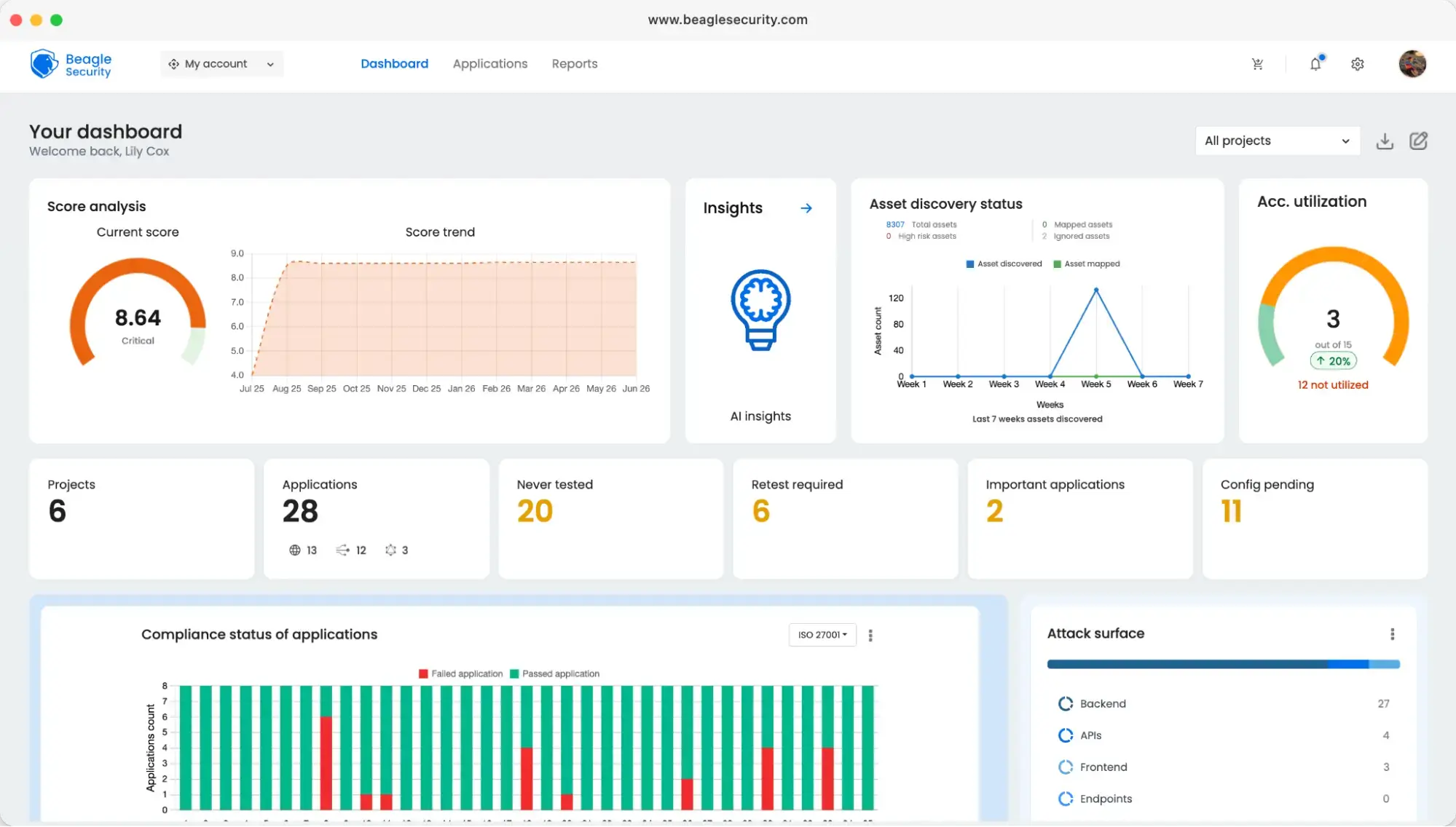
Beagle Security specializes in modern web application and API testing with a cost-effective and developer-friendly approach. It offers advanced capabilities like business logic testing and AI-powered attack simulations that traditional scanners often miss.
G2 rating: 4.7/5 based on 88 reviews
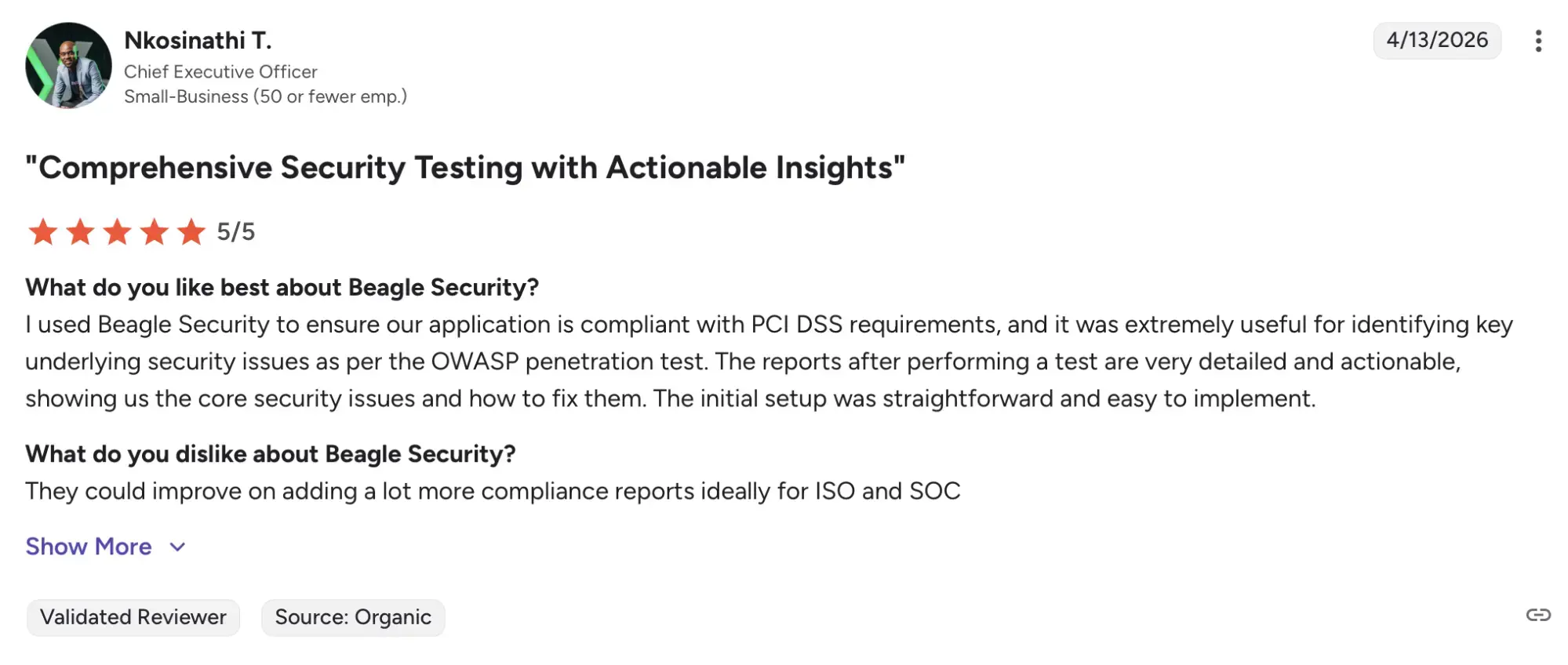
Pricing: $1,188 annually for the self-serve plan, enterprise plans starting at $8,500 per year
Main features of Beagle Security
Agentic AI penetration testing with realistic attack simulations
Business logic testing that traditional scanners miss
Coverage for APIs and GraphQL applications
Contextual remediation advice with compliance mapping
Low false positive rates
Unlimited applications supported on higher tiers
Qualys CSPM (Cloud Security Posture Management) pricing
Qualys CSPM provides multi-cloud visibility and misconfiguration detection but requires a custom quote for pricing. This makes cost planning more complex and less transparent for organizations trying to manage budgets.
Main features of CSPM
Continuous multi-cloud security visibility
Misconfiguration detection across AWS, Azure, and GCP
Compliance monitoring against key frameworks
API integrations for automated workflows
Best alternative: Orca Security
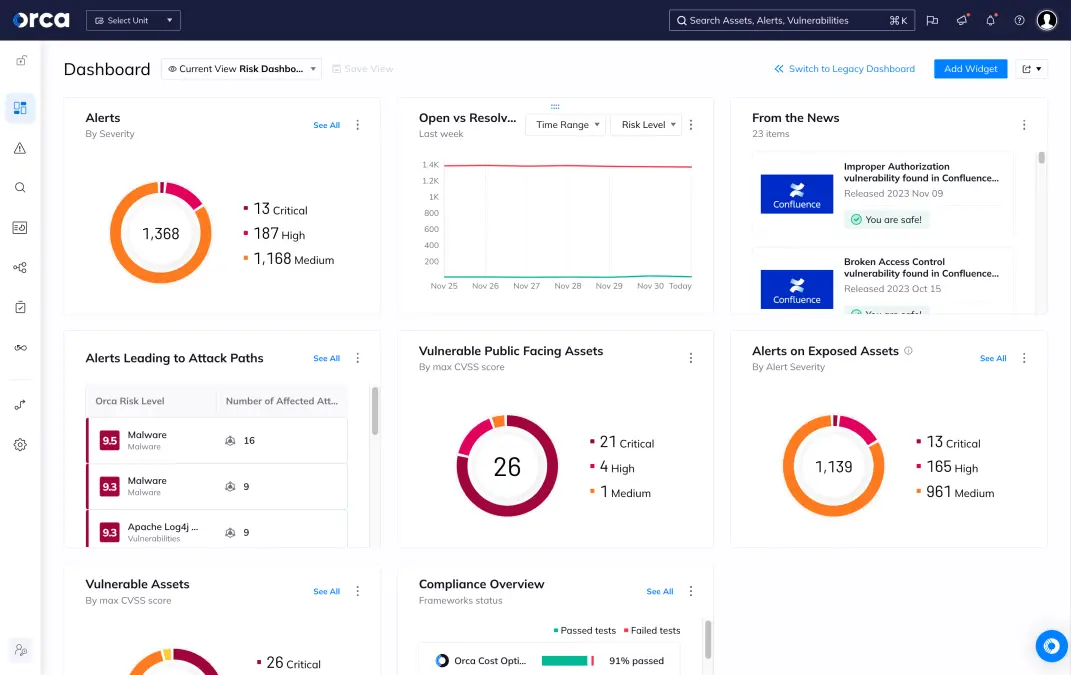
Orca Security offers agentless scanning across cloud workloads, providing faster deployment and deeper coverage. Its unified CNAPP approach combines CSPM, CWPP, and DSPM, making it more comprehensive than traditional CSPM tools.
G2 rating: 4.7/5 from 314 reviews
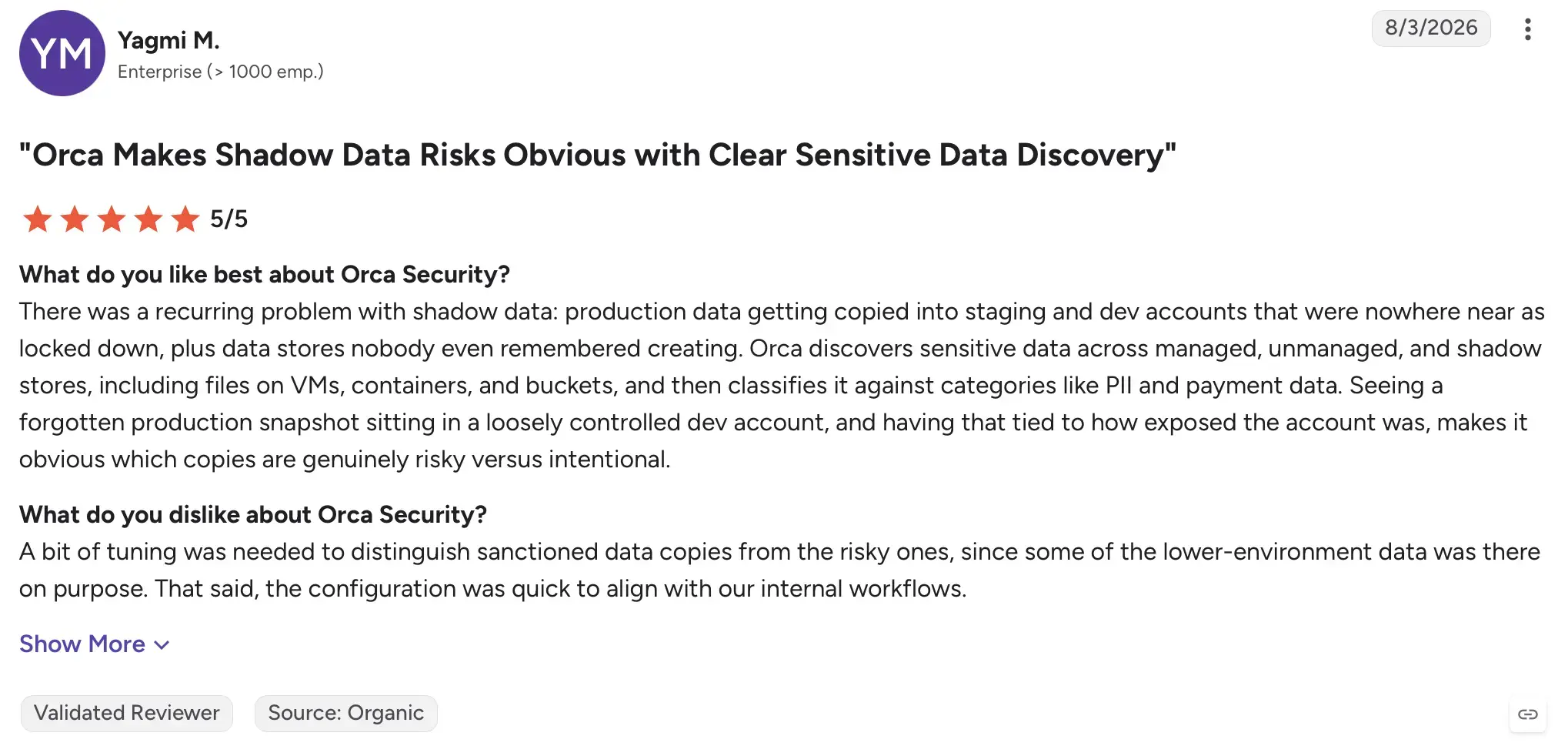
Pricing: $7,000 per month for the small plan
Main features of Orca Security
Agentless scanning across cloud workloads
SideScanning technology for deep visibility
Unified CNAPP platform combining CSPM, CWPP, and DSPM
Coverage across more than 100 compliance frameworks
Deployment in under 10 minutes
Qualys Patch Management pricing
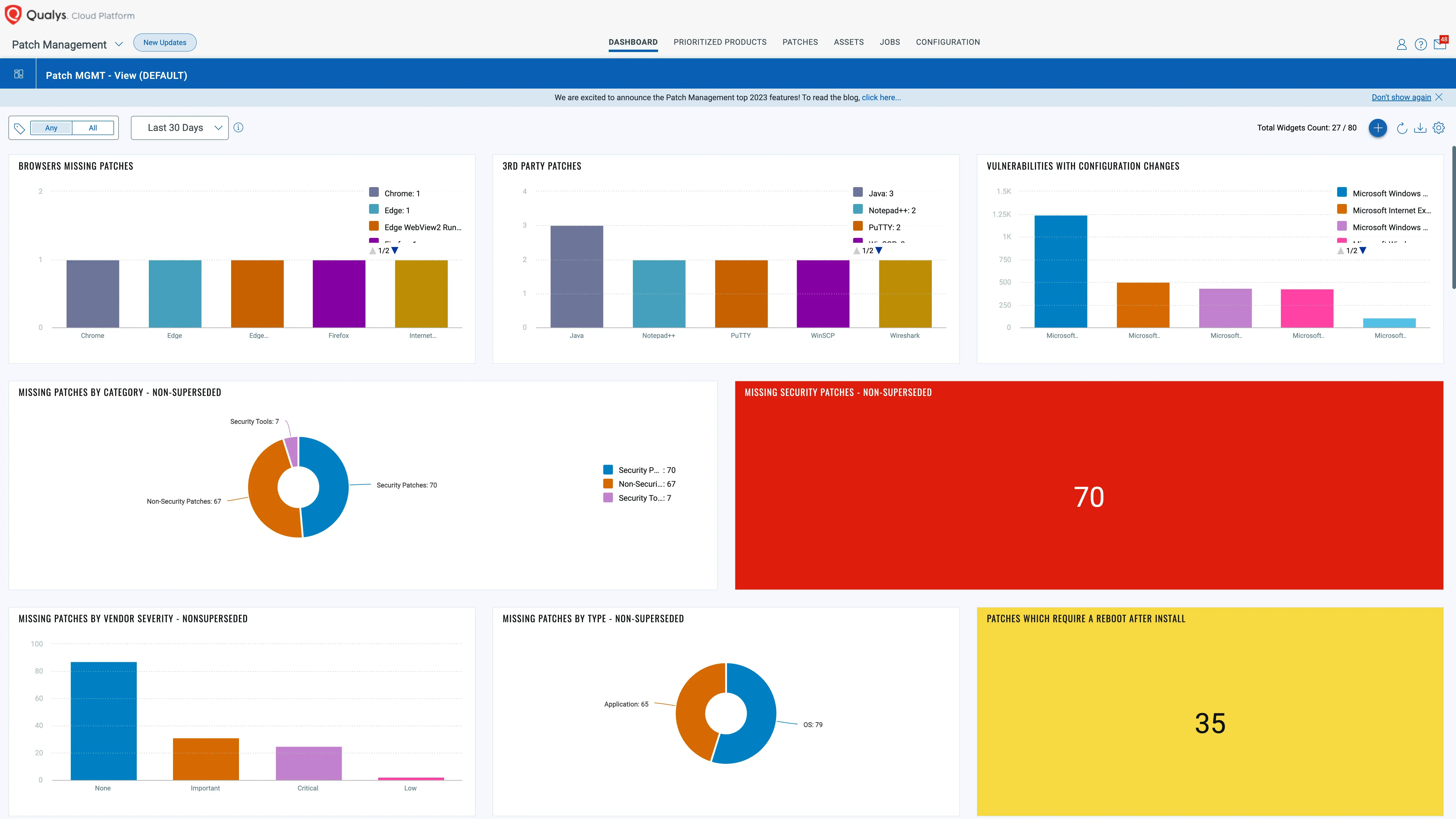
Qualys patch management supports operating systems and third-party applications but often comes with a high price tag. Estimates suggest costs can reach nearly $20,000 annually for 100 devices, making it less appealing for cost-sensitive organizations.
Main features of patch management
Automated patch orchestration across operating systems
Support for third-party application updates
Compliance-focused reporting
Scheduling and rollback functionality
Best alternative: NinjaOne
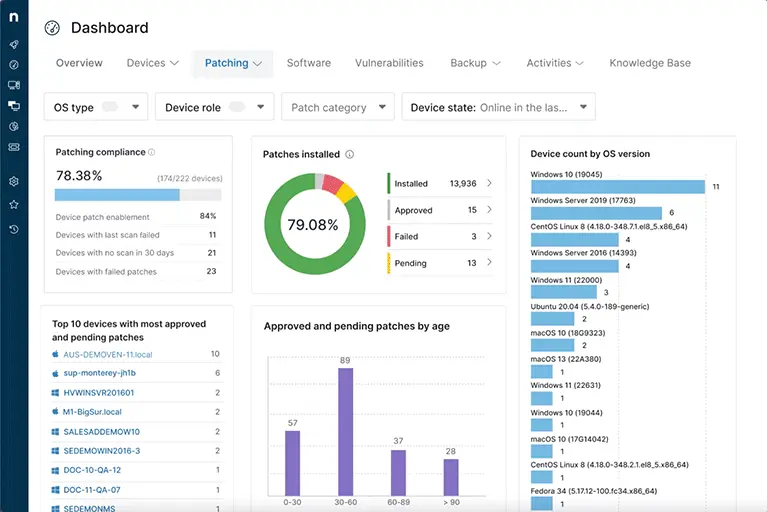
NinjaOne delivers cloud-native patch management designed for simplicity and affordability. With pricing at only 12 dollars per device annually, it provides a lightweight option that appeals to smaller IT teams and service providers.
G2 rating: 4.7/5 from 5,033
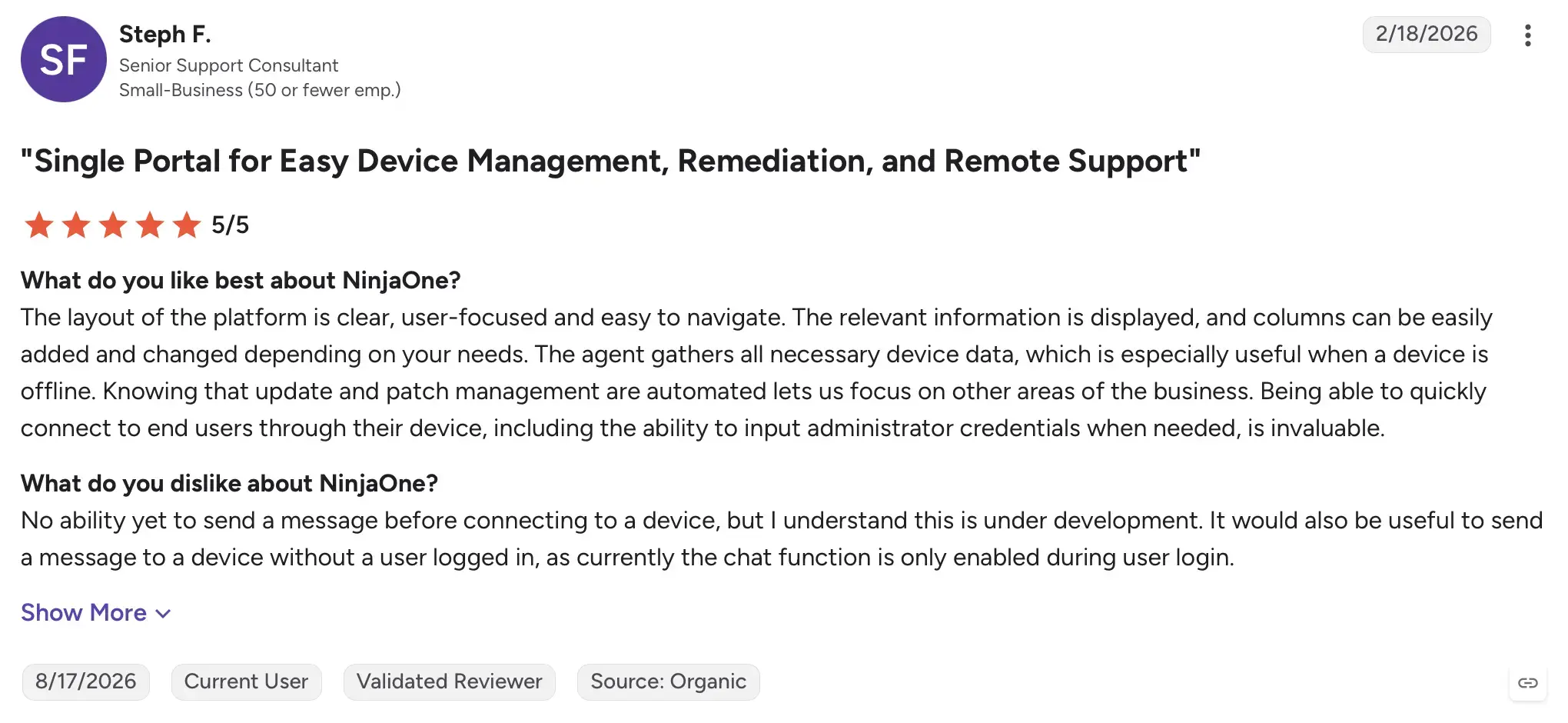
Pricing: $12 per device annually, totaling $1,200 per year for 100 devices
Main features of NinjaOne
Support for Windows, macOS, and Linux devices
Coverage for more than 6,000 third-party applications
Cloud-native design requiring no VPN or additional infrastructure
Real-time compliance checks and CVE insights
Automated patching with rollback options
14-day free trial available
Key deciding factors influencing Qualys pricing
The total cost of Qualys solutions depends on several factors:
Number of assets, applications, or devices under management
Choice of modules such as VMDR, WAS, or CSPM
Contract length and level of support selected
Deployment type, whether cloud or on-premises
Add-ons such as professional services or training
The bottom line
Qualys continues to be a strong name in cybersecurity, but in 2026 its pricing structure often makes it less competitive compared to newer, more agile alternatives. Organizations with large environments may still find value in its comprehensive platform, but others could achieve the same outcomes at a fraction of the cost.
Vulnerability management: Rapid7 InsightVM provides substantial cost savings
Web application scanning: Beagle Security is more affordable and modern
CSPM: Orca Security offers broader coverage with agentless deployment
Patch management: NinjaOne delivers significant savings for endpoint patching
Qualys remains best suited for enterprises seeking a single-vendor solution, but smaller and mid-sized organizations should consider specialized alternatives that offer stronger value.
FAQ
How does Qualys pricing work?
Qualys charges on a per-asset basis for most modules. VMDR starts at $199 to $250 per asset per year, WAS starts at $1,995 per year for 25 applications, and Patch Management adds approximately $30 per asset per year on top of VMDR. CSPM requires a custom quote.
What are the hidden costs of Qualys?
The main hidden costs are virtual scanner appliances (approximately $8,000 to $9,000 per year each) for segmented network scanning, a separate Patch Management license adding 15 to 25 percent above VMDR, implementation and integration services ranging from $5,000 to $50,000, and QLU overruns for Kubernetes-heavy cloud environments.
Does Qualys charge per asset or per user?
Qualys charges per asset, not per user. Costs are based on the number of IP addresses, endpoints, or cloud workloads being scanned. Any number of analysts or users can access the platform without affecting the license fee.
Does Qualys offer a free trial?
Yes. Qualys provides a 30-day free trial for VMDR, WAS, and Policy Compliance, and an extended 45-day trial for Patch Management. Trials are fully cloud-based and require no local installation. A Community Edition is also available at no cost, limited to 16 internal assets, 3 external assets, and 1 web application.
How does Qualys pricing compare to Tenable?
Both Qualys and Tenable target large enterprise environments with premium pricing. Tenable SecurityCenter starts at over $20,000 annually, placing the two platforms in a similar cost tier for large deployments. Both are typically more expensive than specialized alternatives like Rapid7 InsightVM for organizations that need vulnerability management only.
Is Qualys worth it for small or mid-sized businesses?
For most SMBs and MSPs, Qualys is hard to justify on cost-to-value grounds. The modular structure, contract minimums, scanner appliance fees, and implementation costs make it a stronger fit for large enterprise environments. A combination of Rapid7 InsightVM for vulnerability management, Beagle Security for web application testing, and NinjaOne for endpoint patching covers equivalent ground at a fraction of the total cost.


![Top ZAP alternatives and competitors [October 2026]](/blog/images/top-zap-alternatives-cover.webp "Top ZAP alternatives and competitors [October 2026]")




![Top 10 penetration testing companies [2026]](/blog/images/top-penetration-testing-companies-cover.webp "Top 10 penetration testing companies [2026]")


![Top vendor application security tools [2026]](/blog/images/top-vendor-application-security-testing-tools-2026-cover.webp "Top vendor application security tools [2026]")


![Top Snyk alternatives & competitors [2026]](/blog/images/top-snyk-alternatives-cover.webp "Top Snyk alternatives & competitors [2026]")